Vislixo

Case Hook: Parisian Chocolatier

Reducing the Path to Purchase from 7 Clicks to 2

A heritage chocolatier in Le Marais faced a classic e-commerce paradox: rich product stories competing with a transactional checkout. Users were captivated by origin tales but lost in navigation. We stripped the interface to its essential narrative and commerce.

Outcome: A 40% increase in add-to-cart rates, not by adding features, but by removing friction. The 'Provenance' module we built didn't just tell a story—it became the primary navigation.

Explore More Case Studies
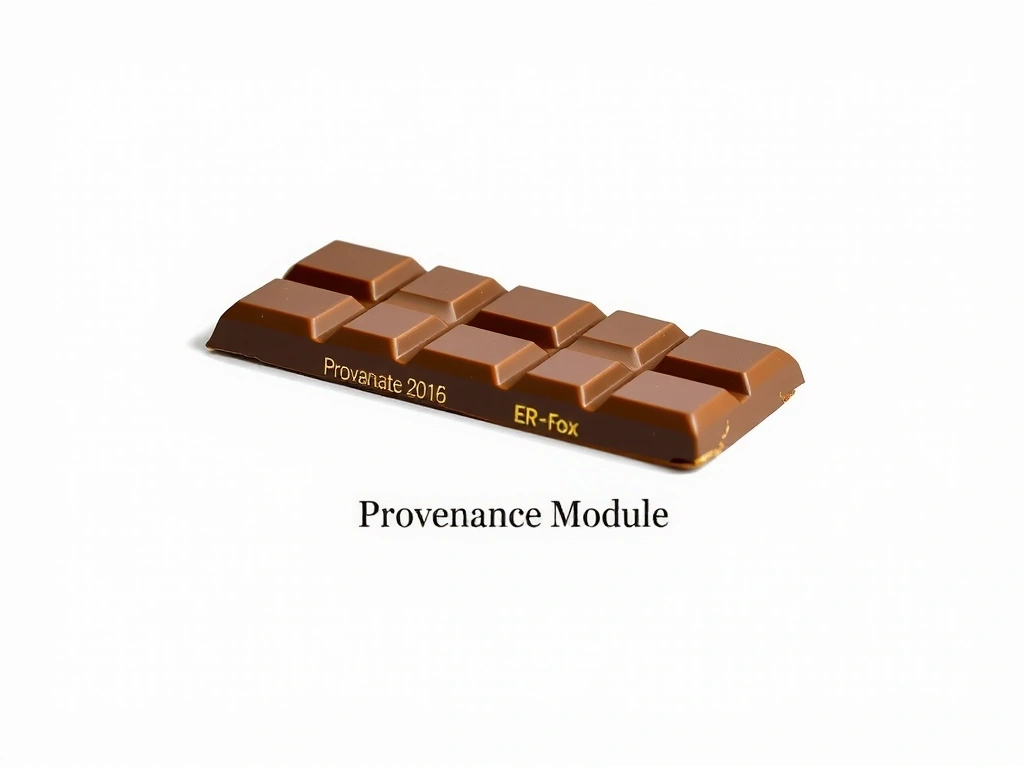
A curated chocolate product page showing the 'Provenance' module
Interface: "Provenance" module becomes the primary nav.

The Decision Lens: E-Commerce Architecture

Every design choice is a trade-off. Here’s the framework we use for e-commerce, balancing brand storytelling with commercial utility.

Lens: Narrative-First Navigation

Optimizes For

  • Emotional connection and brand recall
  • Higher perceived value per product
  • Educational commerce for complex products

Sacrifices

  • Instant "find and compare" utility
  • Space for dense technical specs
  • Speed for power users

Mitigation Strategy: We use progressive disclosure. The core path is narrative, but a persistent, minimal "Specs" button is always available, expanding into a clean, comparative table on demand. This keeps the primary journey intact while honoring the expert buyer.

Method Note: Evaluating Robustness

We test against a "frustration curve." Does the user encounter the same question twice? Does the narrative flow break when a specific, utilitarian need arises (e.g., "Is it gluten-free?")? Our handoff includes a 10-minute video where the client traces these paths, validating the logic before launch.

Signature Module

Deconstructing a Single Decision

For the Atelier Lumière museum project, the client's CMS limited us to a single, global header layout. The brief demanded a "Plan Your Visit" feature that felt personal.

The Trade-off: We couldn't make the header dynamic. Instead, we used the constraint to fuel creativity.

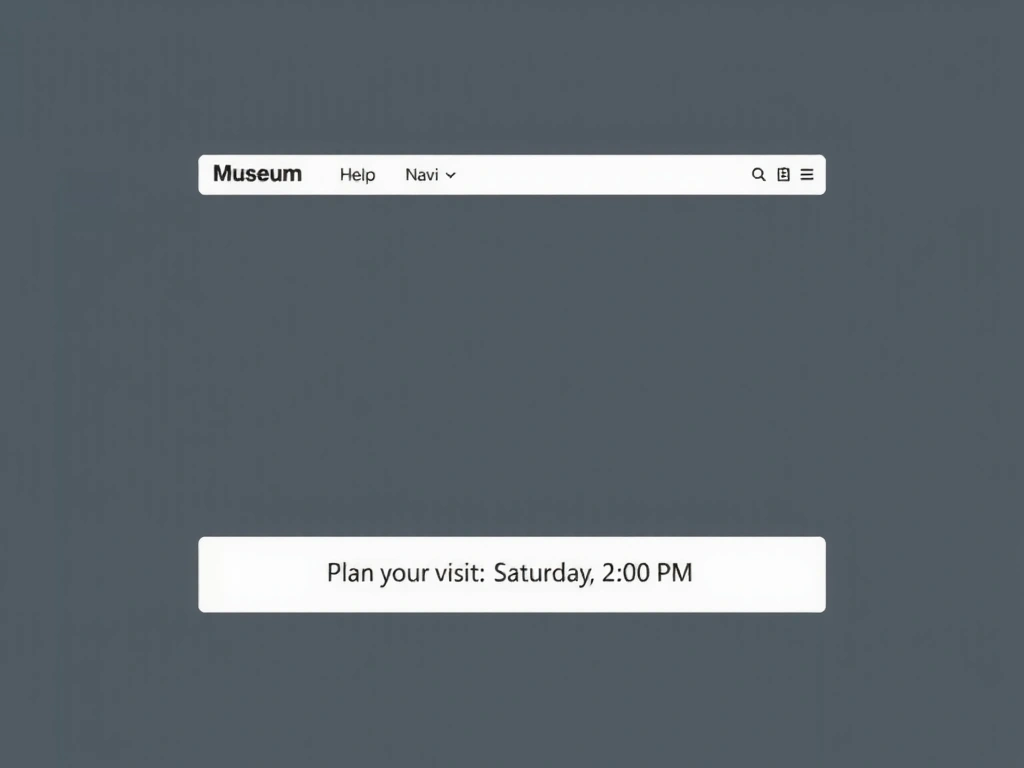
The Decision: We built a contextual "Visit Planner" bar that appears *below* the main header, triggered only on pages with tickets or events. It’s a non-intrusive utility layer that respects the global design system.

The Constraint: The CMS could only support standard text modules. We solved it by writing a custom, lightweight JS snippet that the client could insert into a single code block.

"We removed the global 'Book Now' button because it created false urgency on pages where the primary goal was research. The focused bar reduced friction and improved page scannability."

The 'Plan Your Visit' contextual bar below the header

Contextual utility bar: appears only on relevant pages.

Studio Notes: The Evidence

Process artifacts that rarely make a final portfolio but define our craft. These are the raw materials of a finished site.

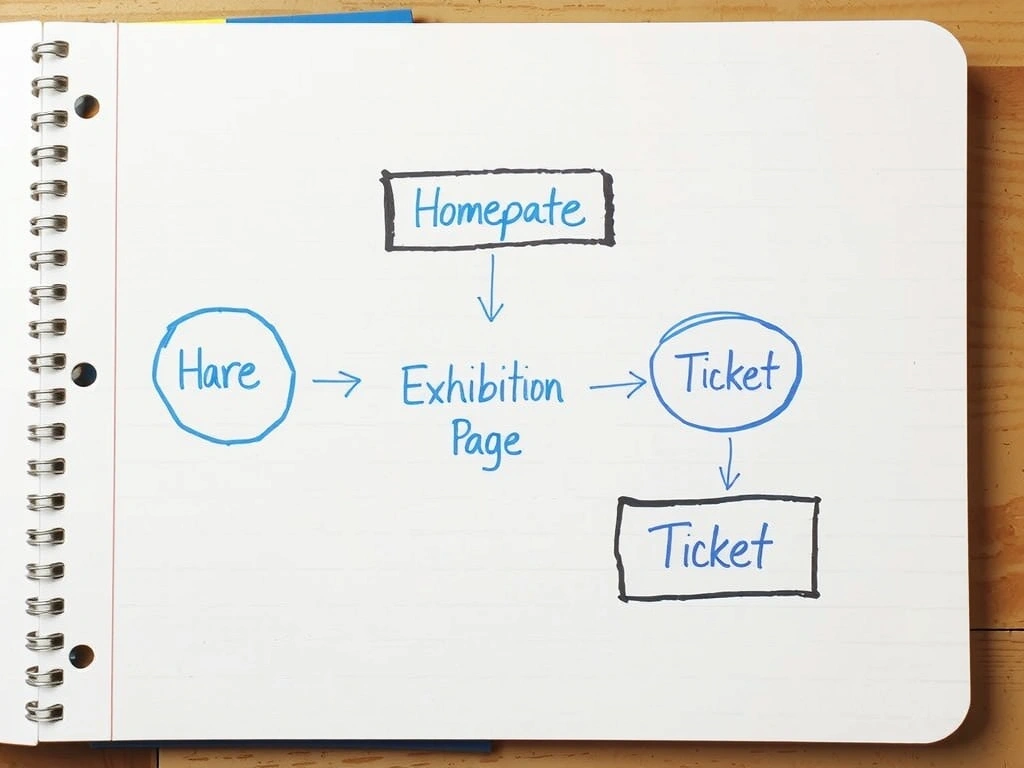
Hand-drawn user flow diagram for a museum website

User Flow: Museum Ticketing

The physical sketch that mapped the 'Plan Your Visit' logic before a single pixel was designed.

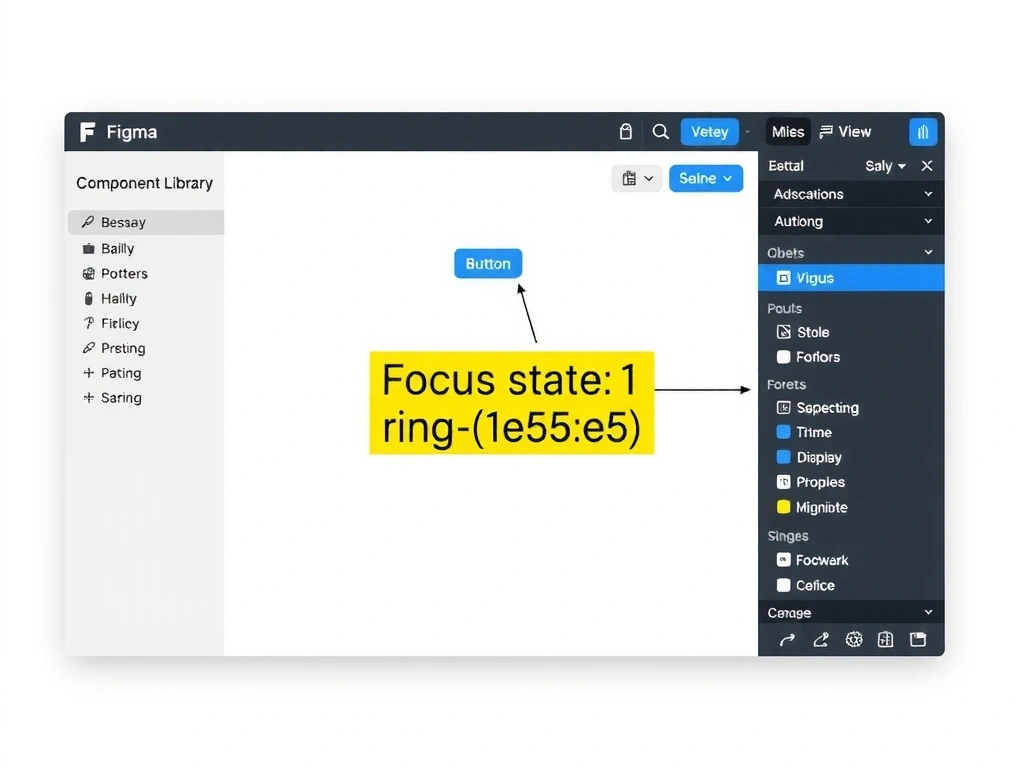
Figma component library with accessibility annotations

Figma Library: Focus States

Our standard for accessibility: `ring-[#e5e5e5]` on all interactive elements for high-contrast visibility.

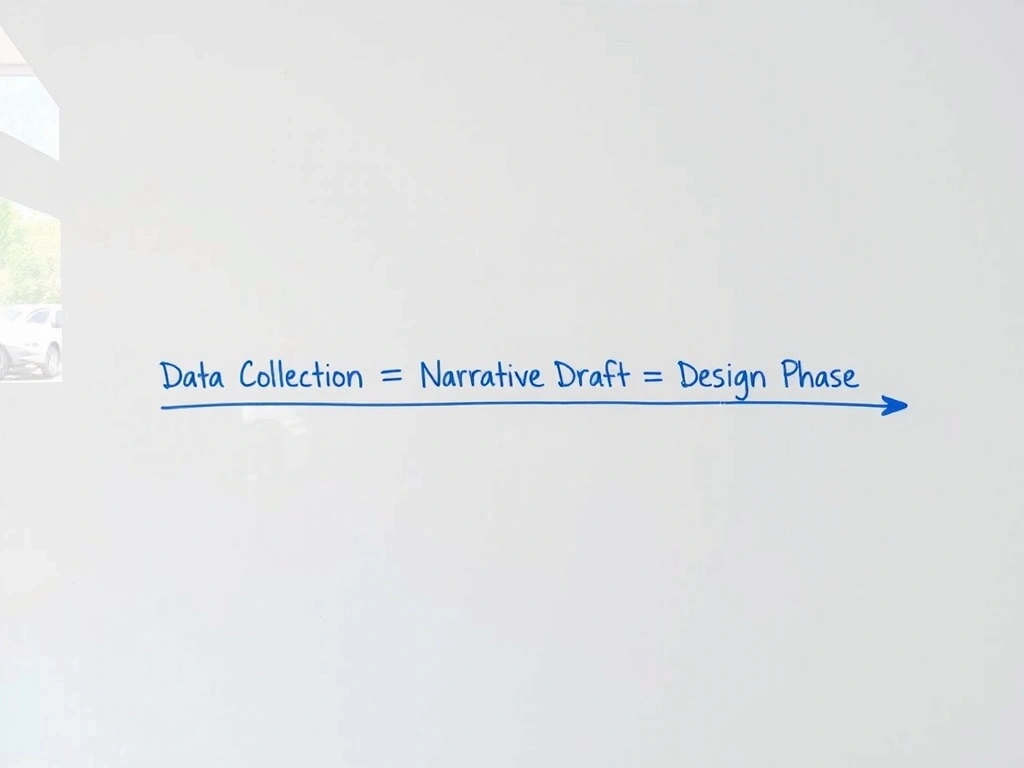
Whiteboard session mapping content hierarchy

Whiteboard: Content Hierarchy

Planning a complex annual report. The challenge: balancing data density with emotional impact.

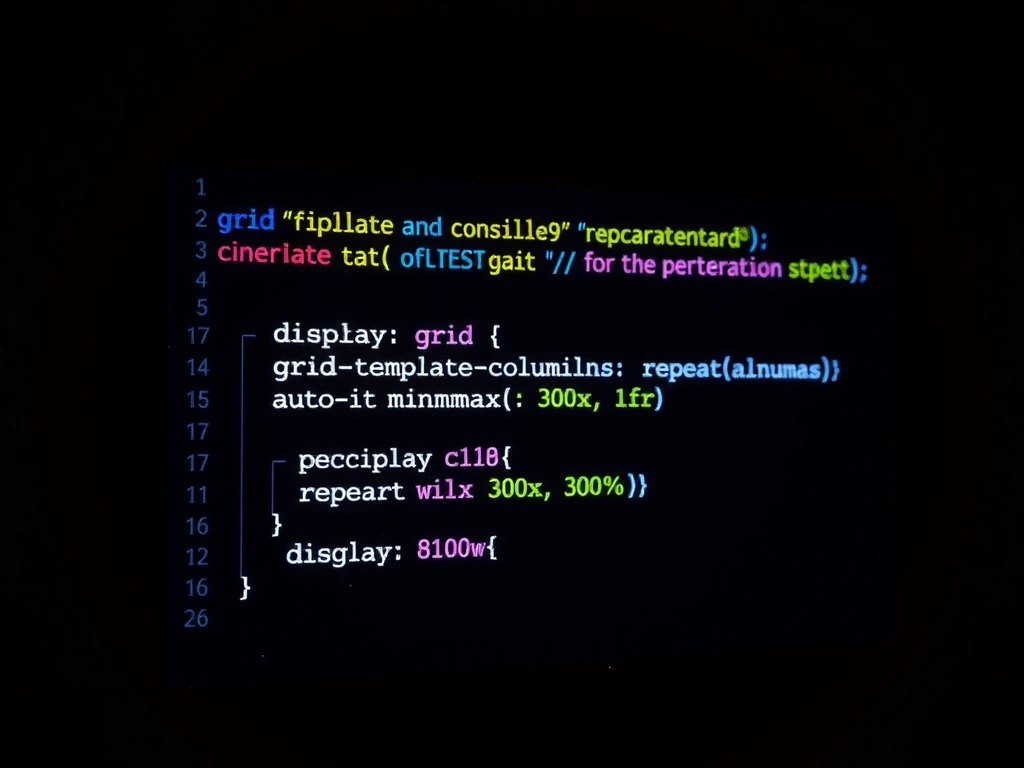
CSS code snippet for a modular grid layout

Code: The Modular Grid

A lightweight, robust CSS grid pattern used across 12 client sites. It adapts to any viewport without media queries.

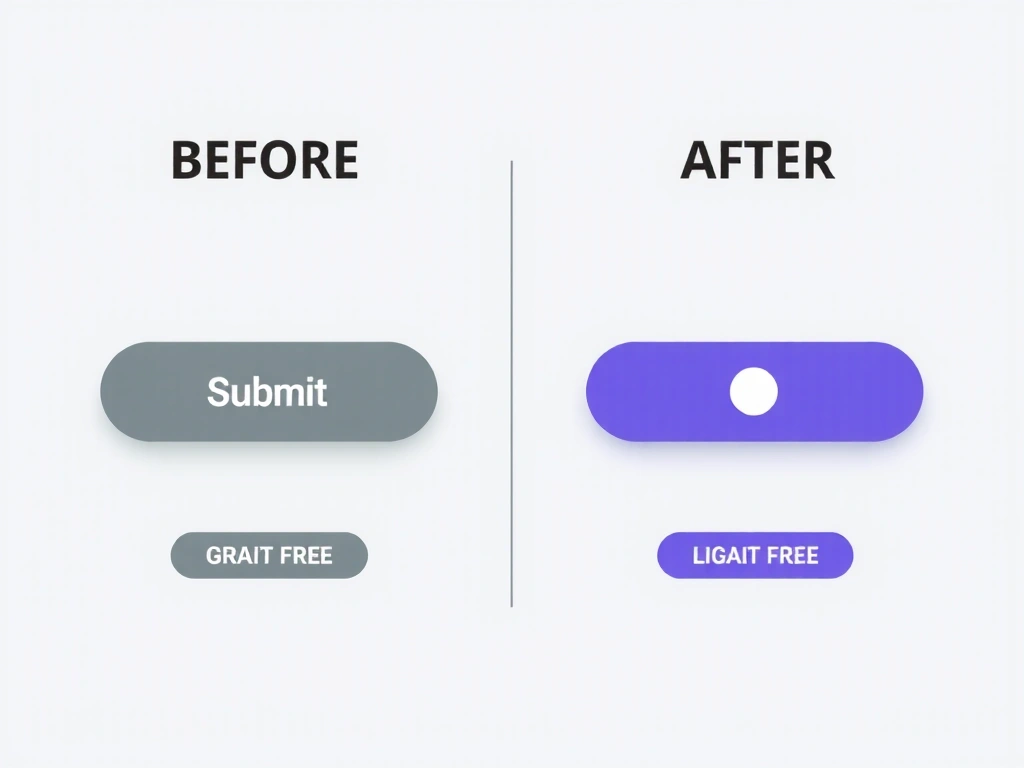
Micro-interaction design for a button

Micro-Interaction: Button State

A single component study showing how subtle feedback (color, shadow, spinner) improves perceived performance.

"We hit a CMS limitation in week 3. Instead of fighting it, we used it to force a simpler, more focused solution. The client's users benefited from the constraint."

— Project Lead, Atelier Lumière

Client Email Excerpt

Real communication showing a pivot from custom code to a platform-native solution.

Our Work in Three Constraints

We build for real-world scenarios, not theoretical ideals. This is how we frame every project.

Budget Efficiency

We specialize in premium results for lean budgets, leveraging headless CMS and modular libraries.

  • Full e-commerce for under €15k
  • No "fancy" feature bloat
  • Fixed-price milestones

Predictable Timeline

Our average from brief to launch is 6-8 weeks using a fixed "Discovery & Build" sprint model.

  • No open-ended development
  • Daily Figma visibility
  • Staging build in week 3

Focused Outcome

We focus on core business outcomes (lead gen, sales, brand clarity) over maintenance packages.

  • 30-day post-launch support
  • Handoff video tutorial
  • Client-owned platform

The 60-Second Portfolio Review

Scenario: A design director at a tech company reviews 20 portfolio links before a stakeholder meeting. They need to gauge quality, process, and fit in under a minute per site.

For Vislixo, they see our site. The "Case Hook" gives them an immediate outcome. The "Decision Lens" shows our analytical approach. The "Process Lens" reveals how we handle constraints. The "Evidence Collage" proves we don't just show final pixels.

Result: The director forwards the work page to the project lead with a note: "These people think like we do. They translate business problems into clear design decisions."

Method Note: Our 30-Day Review

Two months after launch, we offer a one-time "Optimization Review." We audit analytics, check for new browser support, and review any CMS content the client has published. This isn't a sales tactic—it's a quality assurance ritual that often reveals how the site is performing in the wild.

Anchor: Realism constraint — We don't promise ongoing maintenance, but we ensure our work holds up to real-world use.